let your audience review and rate your company
supported by the current version of Bharat Signage Online software.
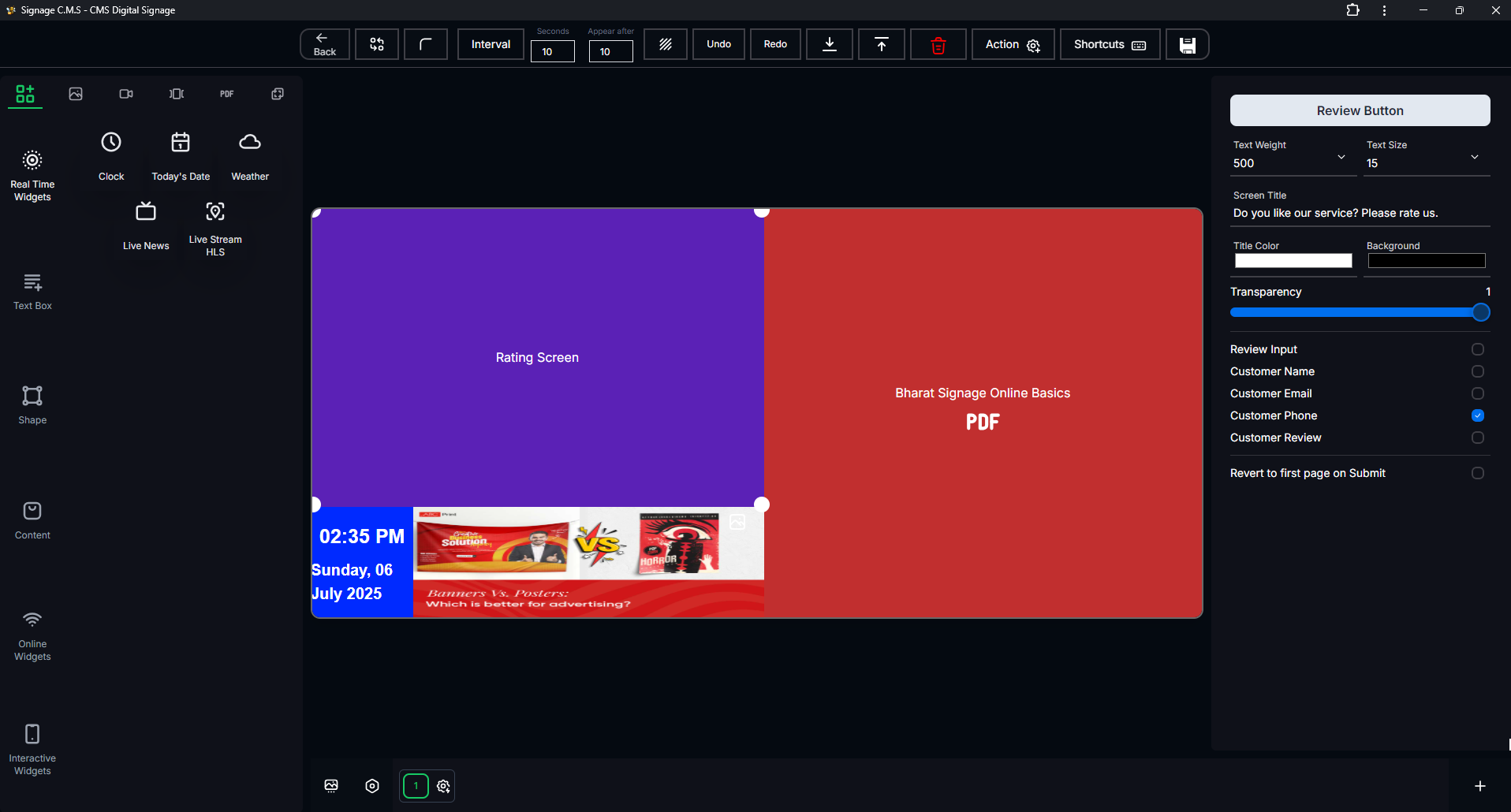
Layout Example
How to Use
- Create a Custom Layout:
Use the Custom Layout feature to design your layout with the Review and Rating component. - Add the Review Component:
- In the custom layout editor, add the Review and Rating component to your layout.
- Configure the Component:
- Set the Title for the review section.
- Choose the Rating Inputs (e.g., name/phone/email).
- Optionally, enable the Review Text field for users to leave comments.
- Publish the Layout:
Save and publish your custom layout to make it available for display on your devices.
How It Works
- User Interaction:
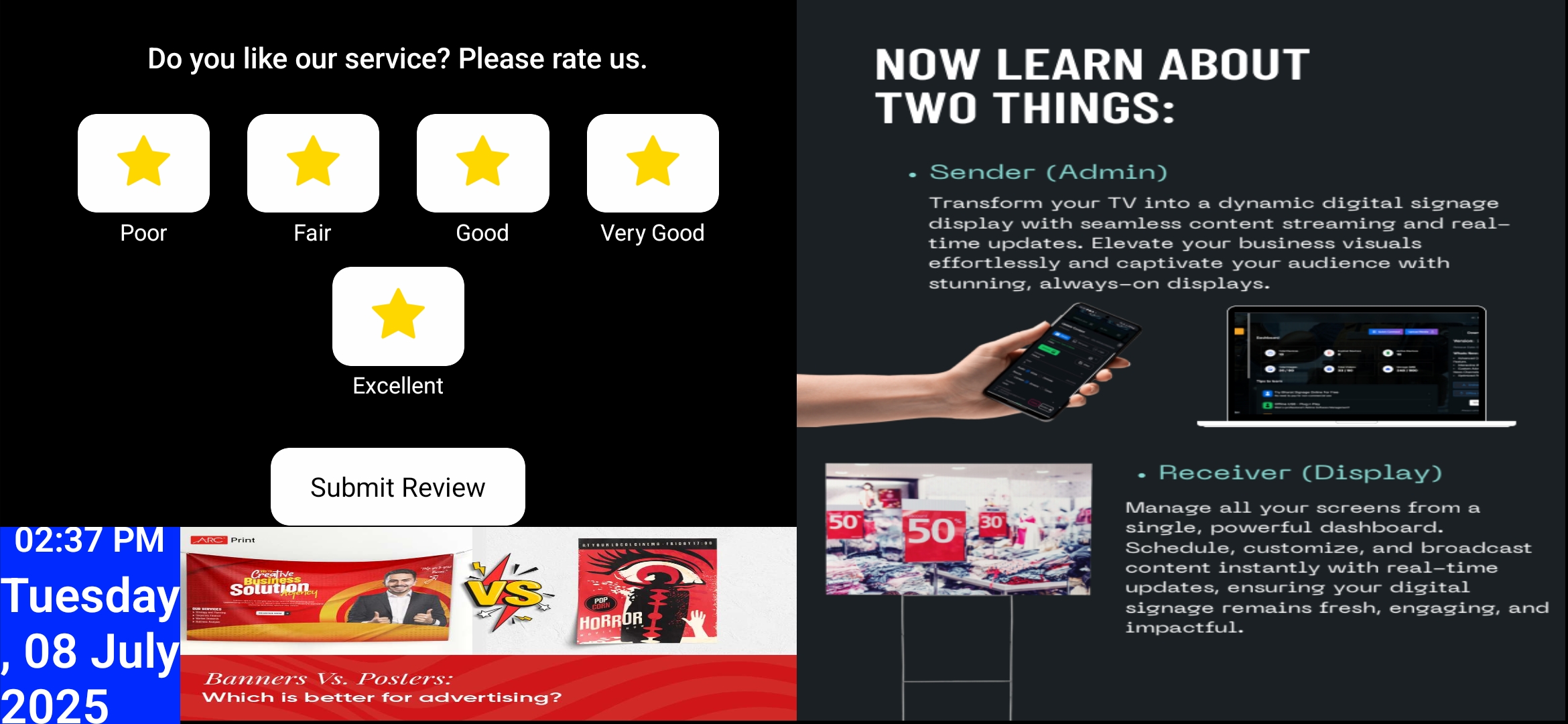
When users view the layout, they can fill out the review form with their name, phone number, email, and comments. - Rating Submission:
- Once the user submits their review, it is stored in the Bharat Signage database.
- Review Management:
- You can manage and view submitted reviews through the Bharat Signage Online dashboard.
- Display Reviews:
You can also create another custom layout to display the reviews submitted by users, allowing others to see feedback.
Example of Review and Rating Layout
Benefits
- Engage Your Audience:
Allow your audience to share their experiences and feedback. - Improve Services:
- Gain insights into customer satisfaction and areas for improvement.
- Build Trust:
- Display positive reviews to build credibility and trust with potential customers.
- Customizable:
- Easily customize the review layout to match your brand and design preferences.